


🗺
CarPlay & Android Auto
Access compatible navigation, music and phone features through your connected phone.
¿Tienes una cuenta?
Inicia sesión para finalizar tus compras con mayor rapidez.

Proteja su pedido de daños, pérdidas o robos durante el envío.
No se pudo cargar la disponibilidad de retiro
-
Pedido
- - -
Pedido listo
- - -
Entregado

Motorcycle Smart Display
Bring navigation, music and phone connectivity to your motorcycle handlebars with a 6.86-inch Full HD touchscreen designed for your riding setup.
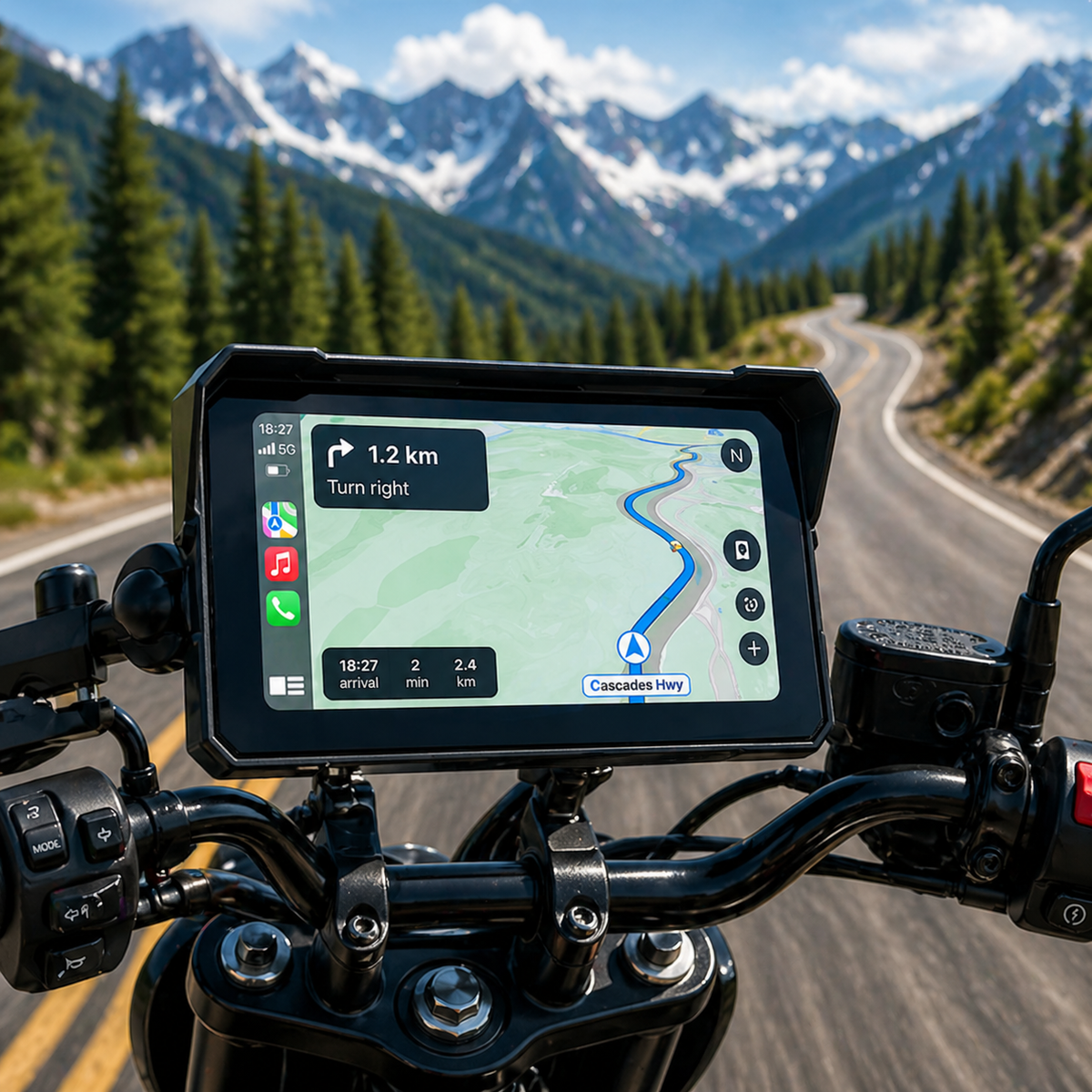
Built Around Your Ride
A connected motorcycle display for riders who want navigation, audio and phone features in one convenient setup.
🗺
Access compatible navigation, music and phone features through your connected phone.
💻
A 1920 × 720 touchscreen with an anti-glare visor for your cockpit.
📶
Bluetooth 5.0 and Wi-Fi connectivity for compatible devices and functions.
🛠
A handlebar bracket lets you position the display for your motorcycle setup.
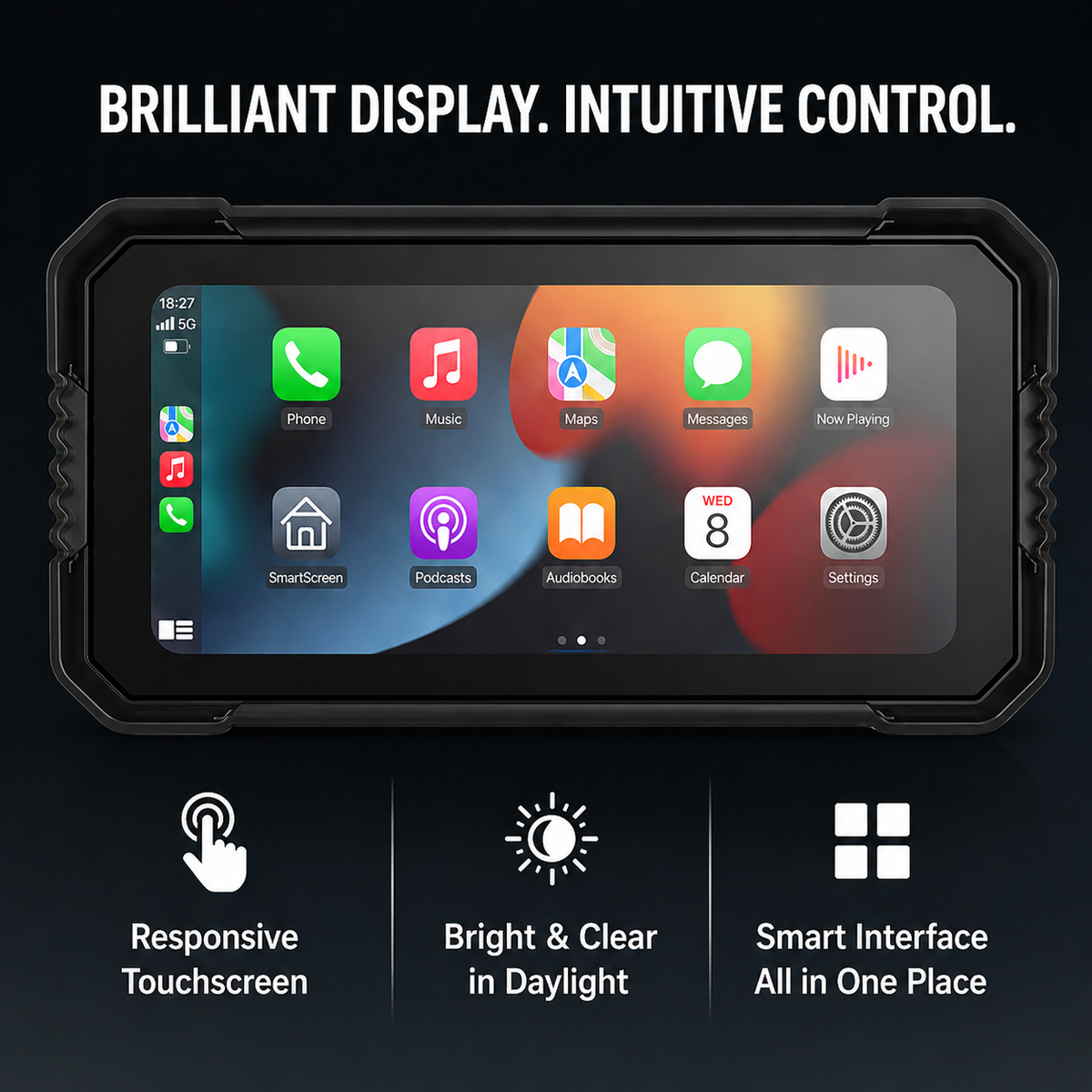
A Clearer Cockpit
Pair a compatible smartphone to bring supported apps to the handlebar display. Check directions before setting off, then keep your attention on the road.
✓ Apple CarPlay and Android Auto support
✓ Responsive capacitive touchscreen
✓ Bluetooth 5.0 and Wi-Fi connectivity
✓ Multiple language support
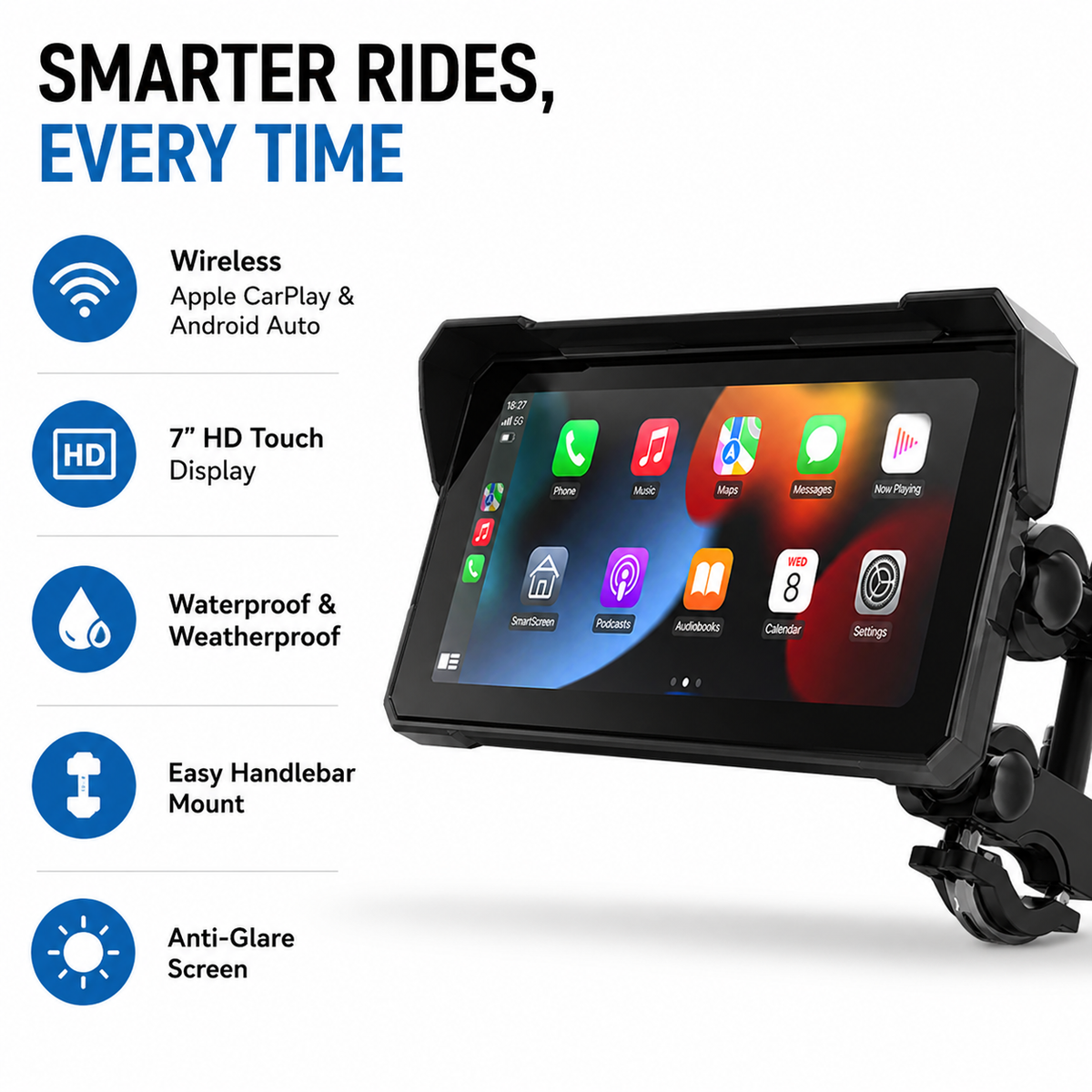
Made for Motorcycle Setups
The adjustable handlebar bracket positions the display within your cockpit. Pair it with your compatible phone and supported audio equipment before you ride.
✓ Adjustable handlebar mount
✓ Compatible with RideKingz and third-party intercom headsets
✓ Anti-glare screen visor
Installation Overview
The product includes an adjustable handlebar bracket and installation manual. Follow the supplied instructions for the power connection.
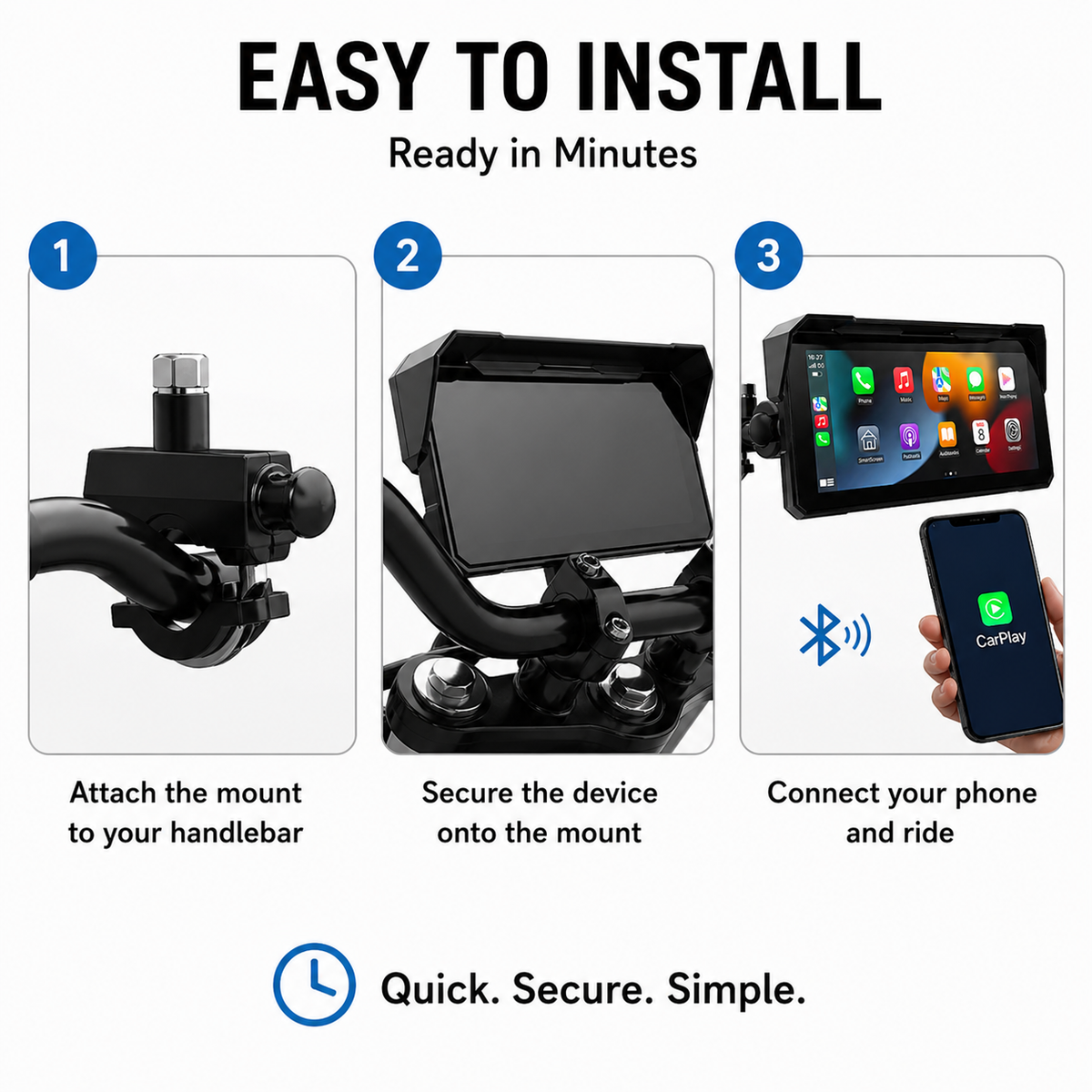
01
Secure the adjustable bracket to a suitable mounting location on your motorcycle.
02
Attach the screen to the bracket and check its position and stability.
03
Follow the manual to connect the 12V power supply to the motorcycle battery or a compatible USB power port.
04
Connect your compatible smartphone and follow the on-screen instructions before starting your ride.
If you are not comfortable with motorcycle electrical wiring, consider having a qualified installer complete the setup. Set navigation before moving and stop safely before adjusting the display.
Product Details
Review the key specifications and confirm compatibility before placing your order.
6.86-inch Full HD touchscreen
Resolution
1920 × 720
Phone System
Apple CarPlay and Android Auto support
Connectivity
Bluetooth 5.0 and Wi-Fi
Audio
Compatible with RideKingz and third-party intercom headsets
Power
12V connection to motorcycle battery or compatible USB power port
Mount
Adjustable handlebar bracket
Housing
ABS construction with anti-glare screen visor
Language
Multiple language support
Before You Order
Yes. The display supports Apple CarPlay and Android Auto through a compatible smartphone. Check phone compatibility and connection requirements before use.
Can I connect a motorcycle intercom headset?
The product listing states compatibility with RideKingz and third-party intercom headsets. Actual pairing can depend on the headset model and settings.
How is the display powered?
The listed power options are a 12V connection to the motorcycle battery or a compatible USB power port. Follow the supplied wiring instructions.
Is an installation manual included?
The product listing states that an installation manual is included. Follow its instructions for mounting and power wiring.
What should I check before ordering?
Confirm the display model, power connection, mounting compatibility and package contents before checkout.
Order Information
Check your store's current delivery estimates, shipping options and return terms before placing an order.
Review the available delivery methods and estimated arrival information for your location.
For questions about your product or order, contact the store before purchase.
Ready for Your Next Ride?
Review the display specifications, check compatibility with your motorcycle setup, and confirm the package contents before ordering.
Choose Your Setup ↑ Check the current price, availability and product details before checkout.


